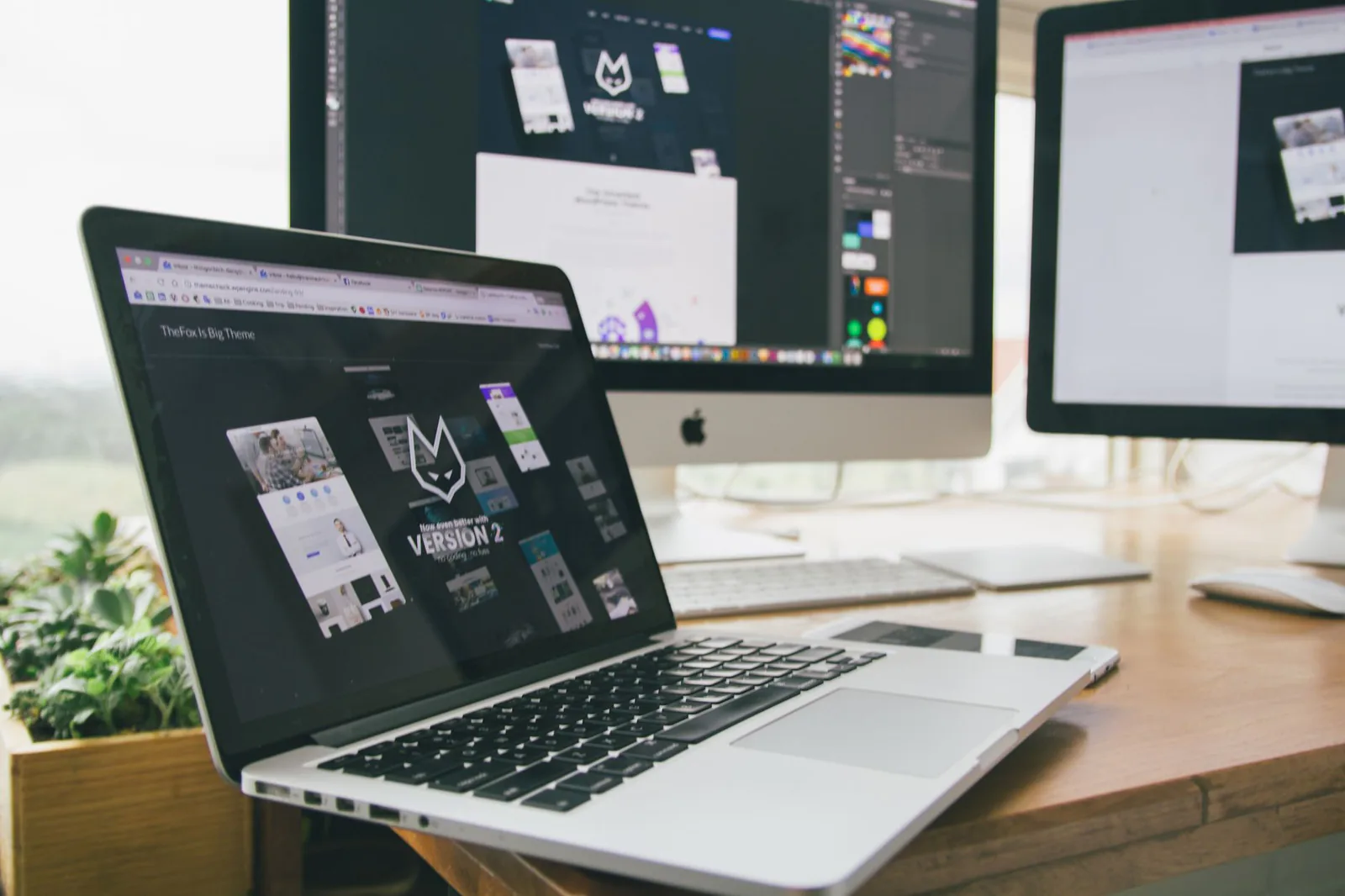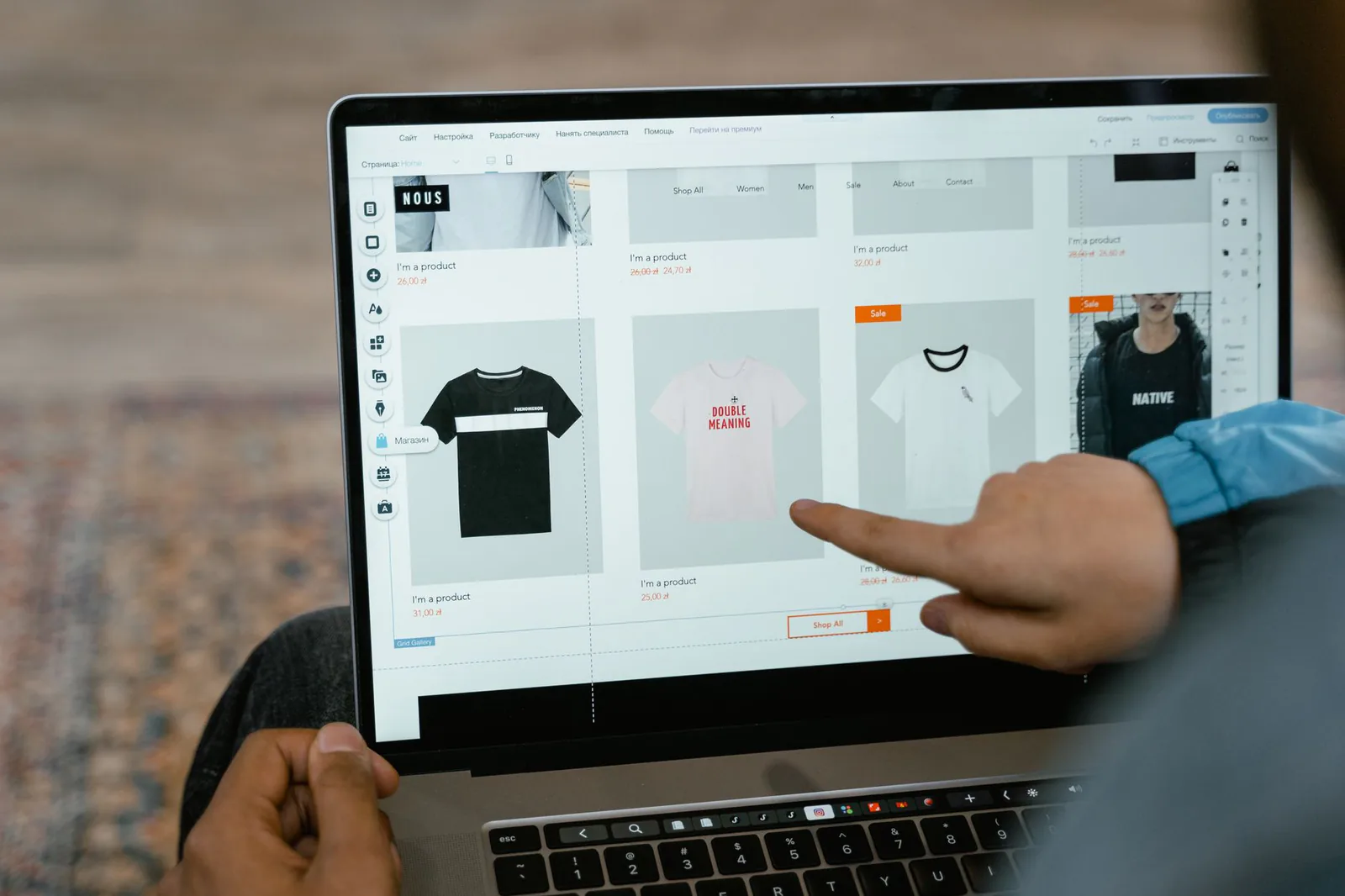
WordPress and Webflow sit at opposite ends of the website-builder spectrum. WordPress is open-source software you host and manage yourself, flexible enough to power anything from a blog to a marketplace. Webflow is a hosted visual design tool that turns a canvas into clean production code. Choosing between them is really choosing between two different jobs: site administrator or designer.
Here's an honest look at how they compare in 2026 — and the third option that, for most business owners, is simply the better way to get online.
The Short Answer
teams that need deep flexibility — complex content, custom functionality, a massive plugin ecosystem — and have the technical help to maintain it.
designers and agencies who want pixel-perfect control with clean code, and are happy to invest real time learning a professional design tool.
If neither description sounds like you, that's the point — both tools are excellent at what they do, but what they do isn't "get a small business online quickly." We'll get to what is.
WordPress vs Webflow at a Glance
| Factor | WordPress | Webflow |
|---|---|---|
| Setup | Buy hosting, install software, choose a theme | Sign up and start designing immediately |
| Cost | $5–$45/mo hosting + paid themes and plugins | $14–$39/mo (billed yearly); more for ecommerce |
| Ease of use | Moderate to steep, varies with theme and plugins | Steep — closer to design software than a builder |
| Flexibility | Nearly unlimited via plugins, themes, custom code | Very high within its visual canvas and CMS |
| Maintenance | Your job: updates, backups, security patches | Handled — fully hosted |
| Ecommerce | WooCommerce — powerful but self-managed | Built in, clean, less customizable |
| Ownership | Open source — you own everything, move freely | Hosted platform — exportable code, locked-in workflow |
Where WordPress Wins
WordPress's superpower is breadth. Whatever you can imagine — membership sites, courses, forums, multilingual publishing, complex product catalogs — exists as a theme or plugin, often several. It runs more than 40% of the web, so there's a developer, tutorial, or agency for every possible question. And because it's open source, you're never locked in: your content and code can move to any host on earth.
The trade-off is that all that power lands on you. Every plugin is another update, another security surface, another thing that can conflict with the rest. A WordPress site you ignore for a few months can genuinely break.
Where Webflow Wins
Webflow's edge is precision. What you design on the canvas is exactly what ships — no theme layer in between — and the generated code is clean enough that developers respect it. Interactions and animations that need plugins or custom code on WordPress are native features. And because Webflow is hosted, updates, uptime, and security are handled for you.
The trade-off is the learning curve. Webflow borrows its mental model from professional design tools — box models, classes, cascading styles, breakpoints. Once it clicks it's incredibly powerful, but most business owners don't want to learn a design tool. They want a finished website.
The Cost Nobody Mentions: Your Time
On paper, WordPress looks cheapest (free software!) and Webflow looks predictable ($14–$39/month, everything included). In practice, both charge the same hidden currency: your hours. WordPress adds maintenance time forever — or a developer's retainer. Webflow front-loads the cost into a steep learning curve, or a specialist designer's invoice, since experienced Webflow designers don't come cheap.
For a business owner, the honest question isn't "which is cheaper?" It's "which one gets me a professional website without becoming a designer or a sysadmin?"
The Better Option for Most Businesses: Vibe Otter
Skip the learning curve entirely
WordPress asks you to run a website. Webflow asks you to become a designer. Vibe Otter asks you to do neither. It's an AI website builder: describe your business in plain language, and it generates a finished, professional website — design, pages, and copy structure included — in minutes, not weeks.
- No tutorials required. Instead of learning Webflow's canvas or WordPress's admin, you type: "Build a site for my bakery with an online menu and order form." Done.
- Nothing to maintain. Hosting, security, and updates are handled for you — Webflow's hosted convenience without the design-tool complexity.
- Professional design, built in. Every site is built on proven layouts, so you get Webflow-caliber design without hiring a Webflow designer.
- Dramatically cheaper. No premium themes, no plugin subscriptions, no developer retainer, no designer invoice.
WordPress and Webflow are superb tools for the people they were built for: developers and designers. If you're a business owner who wants a great website — not a new software hobby — Vibe Otter is the faster, simpler, more affordable path to the same result.
Final Verdict
Choose WordPress if you need unlimited flexibility and have technical help. Choose Webflow if you have design skills or a design budget. But if what you actually want is a credible, good-looking website live this week — try describing your business to Vibe Otter first. The best platform is the one that gets you online fastest and keeps working, and for most small businesses that's no longer a traditional builder at all.